SafeKey Mobile
Secure mobile control for Inheriti® plans.
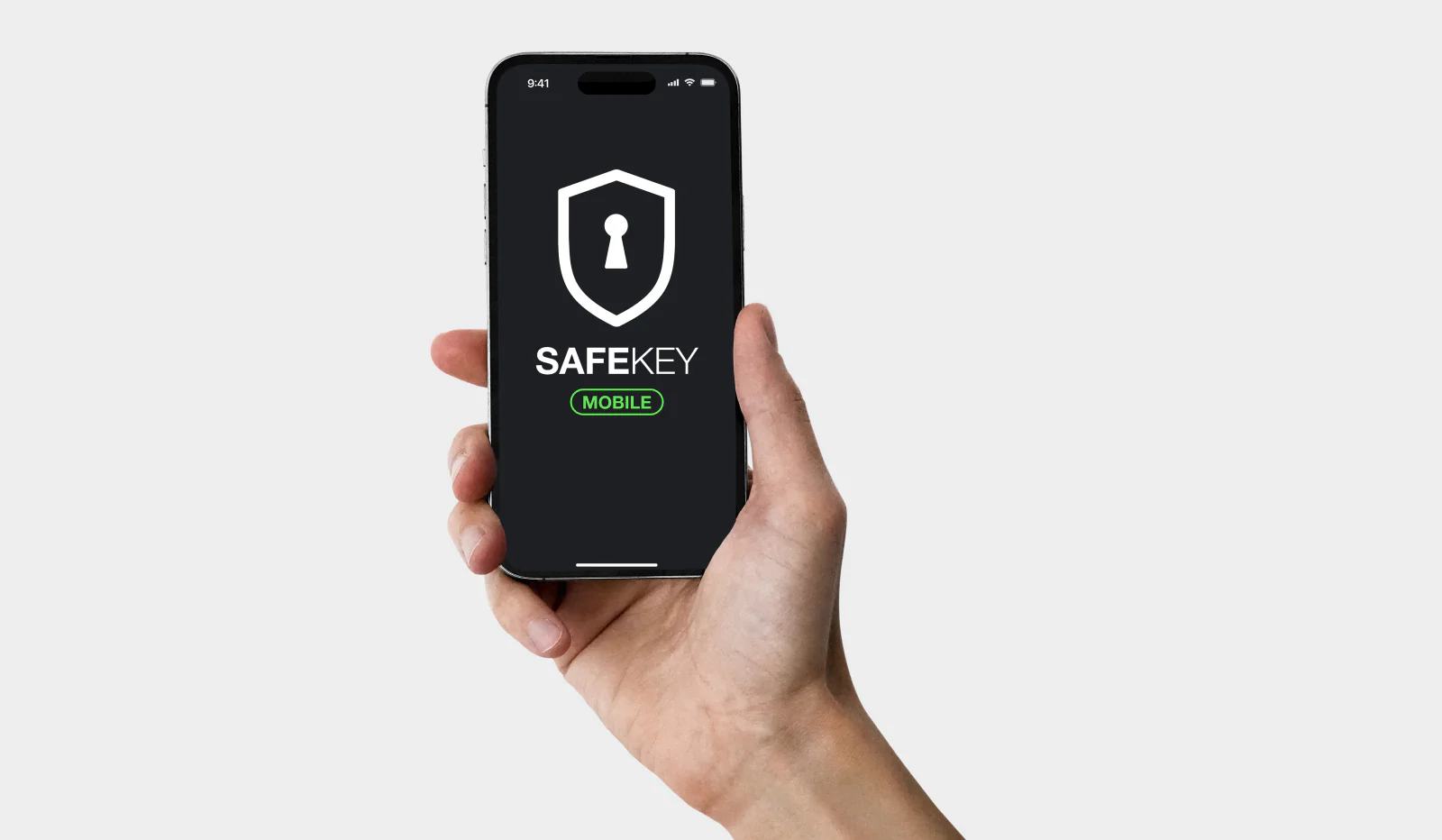
What is SafeKey Mobile?
SafeKey Mobile is a secure mobile app integrated with SafeID. It stores encrypted plan shares and keys locally, authenticates users, and manages access to Inheriti® plans.
SafeKey Mobile Download Links
How Does SafeKey Mobile Work?
Shares
SafeKey Mobile stores encrypted plan shares locally on the device (PIN/Biometrics protected). Backups can be made during and after the claiming process to restore shares to a new device; shares kept only in the app are permanently lost if the device is lost.
- Claim: Download SafeKey Mobile, sign in with SafeID, and complete the in-app claim flow to securely receive and store a plan share.
- Backup: After (and optionally during) the in-app Claim flow, the share can be backed up so it can be restored on a new device if phones are switched or access to the current device is lost. Backups are stored by choosing a supported destination in the app, such as Inheriti Vault, iCloud, or Google Drive. If backing up is skipped and the share remains only on the device, it is permanently lost if the device is lost.
- Verify: The share owner verifies ownership inside the app by scanning a QR code sent via email or by clicking the verification link in the same email.
- Release: When a member or Merge Authority attempts to access a plan, a release request is sent to the specified SafeKey Mobile users; users may release their share via the app to allow the access flow to proceed.
Authorisation
Authorisation covers authentication and moderation.
- Authentication: For plans that require it, an Inheriti user attempting to access the plan must open SafeKey Mobile to authenticate (verify) the request, ensuring the correct person is authorising access and helping detect compromised accounts.
- Moderation: For plans with moderation enabled, designated moderators can approve or deny member requests to access the plan.
What happens: Resetting the app or deleting it from your device permanently erases all local data, including any SafeKey Mobile shares and keys stored in the app.
Restore option: Restore option: Only shares that were backed up to Inheriti Vault or cloud storage can be restored to a new device.
Why Choose SafeKey Mobile?
- Mobile Security: Securely store and access encrypted shares on your phone with PIN protection.
- SafeID Integration: Sign in with SafeID for unified, secure access across Inheriti® and SafeKey Mobile.
- Always Accessible: Keep your shares with you anywhere for on-the-go access.
Use Cases for SafeKey Mobile
- Backup Plans: Safely store encrypted backup shares (private keys, passwords, other sensitive data) directly on your phone.
- Inheritance Plans: Designate heirs who can securely claim and manage their shares in SafeKey Mobile.
- Authorisation: Enforce plan-specific authentication and moderation flows (require users to authenticate via the app or have moderators approve/deny access).
Key Features
- Available on iOS & Android
- SafeID sign-in
- End-to-end encryption
- PIN/Biometric protection
- Authorisation controls